

Tap into a smart way of paying on your Samsung devices
Make fast and simple payments with just your Samsung device through Samsung Pay. To get started, simply add your HSBC credit cards to Samsung Pay.
What is Samsung Pay?
Samsung Pay is a fast and simple way to use your HSBC credit cards to pay on websites, in apps and in stores using a Samsung device. Using Samsung Pay is:
- Easy - add your HSBC credit cards in just a few minutes and start making payments
- Secure - a digital card number is used for purchases so your card details are never shared with merchants or saved on your device
- Rewarding - continue to enjoy the same rewards and privileges as your physical HSBC credit cards
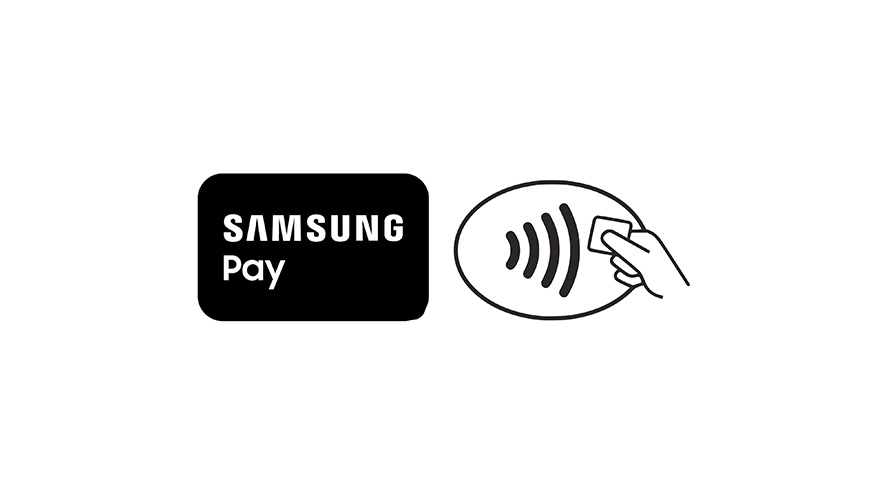
Where to use Samsung Pay
Samsung Pay is accepted in stores wherever you see the Samsung Pay logo or contactless payment symbol.
What's more, you can skip the top-ups and tap your phone to pay for your bus and train fares with SimplyGo.
How to add your HSBC cards to Samsung Pay
Via the Samsung Wallet app
How to pay with Samsung Pay
Step 1: unlock your phone
Swipe up from the bottom of the display to open Samsung Pay.
Step 2: secure your payment
Use your fingerprint or PIN to enter payment mode.
Step 3: hold your phone near the reader
Place your phone near the contactless payment reader.
Frequently asked questions
Don't have a credit card yet?
Explore our wide range of credit cards to see which one suits your lifestyle.
You might also be interested in
Add your HSBC credit card to Google Pay and start paying with your Android device online, in apps and in stores.
Enjoy elevated travel, lifestyle and dining experiences in Singapore.
When you want a more rewarding relationship, we're there with up to 20× accelerated rewards.